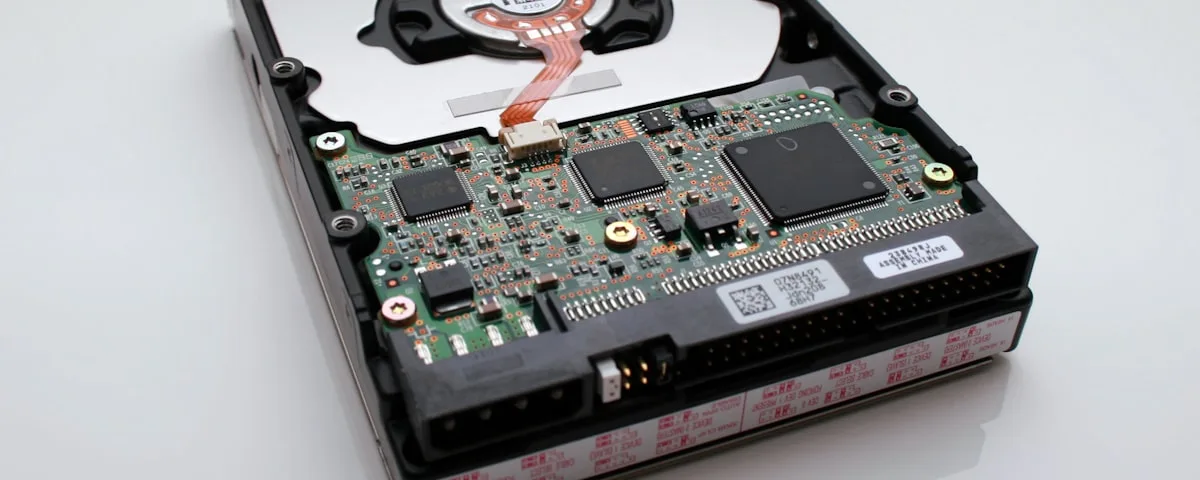
First: stop using the drive
This is the most important thing you can do right now. Every write operation to a drive — including Windows writing temporary files — can overwrite the data you're trying to recover. If you suspect a drive failure or accidental deletion, stop using that computer immediately and bring the drive in.
The same applies to SSDs and USB drives. Don't format it, don't try to reinstall Windows, and don't run consumer "recovery" tools unless a technician advises it.
What kind of data loss do you have?
Accidentally deleted files
The best-case scenario. On a hard drive, deleted files aren't immediately gone — the space is just marked as available. Until something new is written to that space, the data is still there. Recovery software can often retrieve these files quickly and at low cost.
On an SSD, accidental deletion is trickier. SSDs use a process called TRIM that can erase freed space proactively. Recovery is sometimes still possible but less reliable — and speed matters more.
Drive not recognised or not showing up
This could be a failed drive controller, a corruption of the partition table, or physical damage. A technician will connect the drive as a secondary (not boot) drive and attempt to image it before running any recovery tools. Imaging first is critical — it means all recovery attempts are made on a copy, not the original.
Clicking or grinding noises
Stop using the drive immediately. Clicking means the read/write head is failing or has physically struck the platter. Every power cycle increases the damage. This type of failure requires specialist cleanroom recovery — it's expensive (typically $300–$1500+) but often the only option for irreplaceable data.
We can perform initial assessment and software-based recovery in-house. For severe physical failures, we'll be upfront if the job needs to go to a specialist cleanroom facility.
Failed SSD
SSDs fail differently to hard drives. They typically fail suddenly rather than gradually, and without the click warning. Controller failures can lock the drive completely. In some cases data can be recovered; in others (particularly after a sudden total failure) it cannot. Early diagnosis matters.
Ransomware
If your files have been encrypted by ransomware, your options depend on whether a decryption tool exists for that ransomware variant. For some variants, free tools are available (check No More Ransom at nomoreransom.org). For others, the only recovery path is a clean backup — which is why backups matter so much. We don't recommend paying ransoms.
What the recovery process looks like
- Assessment — drive connected and assessed. We'll tell you what we think is recoverable before you commit to anything.
- Imaging — a sector-level copy of the drive is made to a separate disk. All recovery work is done on this copy.
- Recovery — recovery software is run against the image to rebuild file and folder structures.
- Transfer — recovered files are transferred to a new drive or USB you supply.
Can you guarantee recovery?
No — and anyone who says they can is not being straight with you. Success depends on the type and severity of the failure, how long the drive has been used since the failure, and whether the damage is physical or logical. We'll give you an honest assessment upfront.
Bring your drive in
We assess every drive before charging anything. You'll know what's recoverable and what it'll cost before we start. No fix, no fee on assessment.
Contact Us